


看够了iTunes 10毫无血色的图标?其实想换回原来的图标也非常简单:
Windows
Windows更换图标时需要使用*.ICO类型的文件,在Windows XP中:
更换桌面上的iTunes快捷方式图标只需要右键单击iTune 10的快捷方式,依次选择属性->自定义->更换图标->在弹出窗口中选择图标*.ICO格式的文件后点击OK即可。
在Windows Vista和Windows 7中:
Right click on the desktop and select “Personalize”
Click on the “Change Desktop Icons” item on the left hand side of that window
Select your iTunes icon (this assumes it is on your desktop)
Click the “Change Icon” button
Select the icon your want to use in its place and press OK.
Mac
Mac可以观看Apple.com的帮助文档来更换程序或文件夹的图标,全过程如下:
Select the volume, application, folder, or file whose icon you want to stamp onto another, just click the icon to select it.
From the File menu, choose Get Info or press Command-I to open the Info window.
Click the icon in the upper-left corner of the Info window to select it.
From the Edit menu, choose Copy or press Command-C.
Select the volume, application, folder, or file whose icon you want to replace.
From the File menu, choose Get Info or press Command-I.
Click the icon in the upper-left corner.
From the Edit menu, choose Paste or press Command-V to replace the icon.
Note: Mac users want to use the *.icns file type for icons. You can also use third-party programs like the fantastic CandyBar if you want more control over your icons and organizing sets of icons.
 女孩长时间穿“光腿神器”进急诊 医生:注意四类风险
 TUMI途明中国首家旗舰店于上海璀璨启幕
 心怀热枕,逐梦永恒 梦特娇与任重的优雅协奏
 为都市生活注入无限生命力 上海时装周GORE-TEX品牌空间限时开启
 星光YOUNG年度公益盛典圆满落幕,汇聚爱心共筑音乐梦想
 TESTONI隆重发布2025春夏独家“尊享之选” 系列
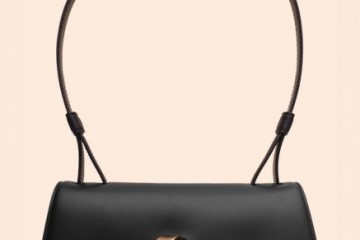 Testoni 女装60周年重现经典——2025春夏系列发布
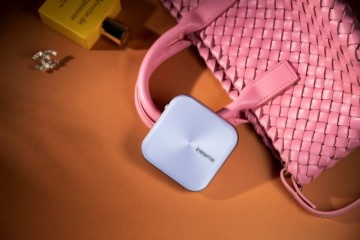 inewme艾柠美UV小紫镜新品上市:携手优彩科技,打造防晒美妆新纪元